



Poseidonwin App
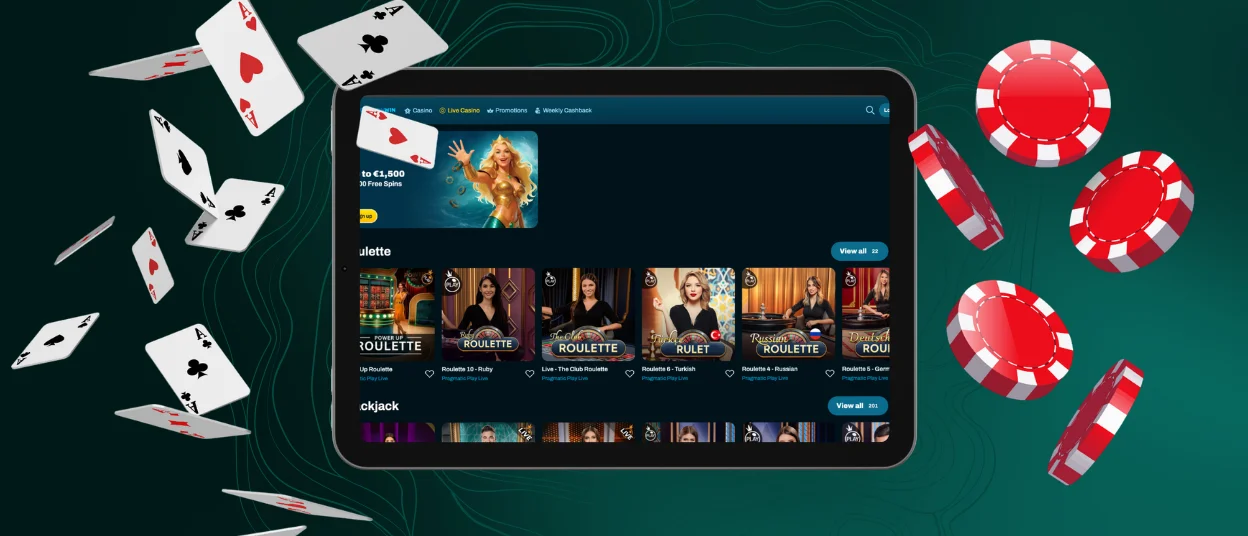
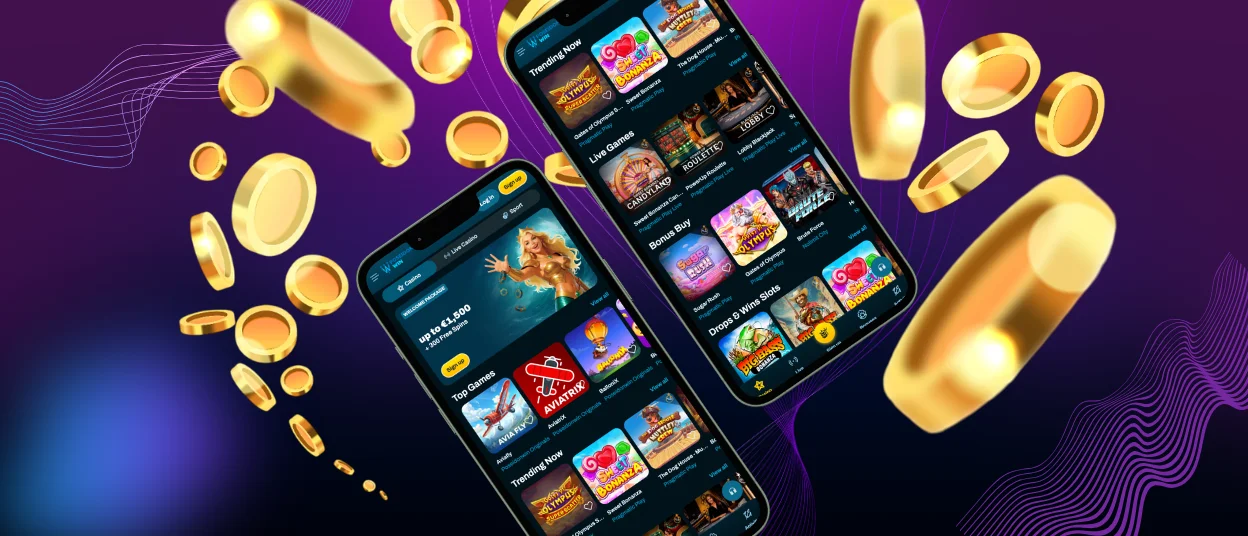
Play more than 6,000 games from your pocket with the Poseidonwin app. It works as a Progressive Web Application, installs in under a minute, and keeps the complete functionality of the main website. Smartphone owners on Android and iOS can set it up through a regular browser, and desktop computers are covered as well.



What Makes the Poseidon Win App Different from the Website?
The Poseidon Win app is a PWA that opens from a home screen icon and loads faster than a browser tab. The content stays identical to the website: you get the same online slots, live tables, and account tools. The difference lies in how the interface behaves on a small screen.
Touch controls receive extra attention in the app. Buttons grow to a comfortable size, menus fold into a compact side panel, and the mobile casino lobby rearranges itself for vertical scrolling. Push notifications also become available, so news about tournaments reaches you the moment an event starts.
| Feature | App | Browser Version |
|---|---|---|
| Launch | One tap on the home screen icon. | Requires opening the browser and typing the address. |
| Loading speed | Cached data speeds up every visit. | Depends on your connection and open tabs. |
| Notifications | Push alerts about tournaments and account updates. | Limited to email newsletters. |
| Storage | Around 15 MB of free space. | No installation required. |
Poseidonwin Mobile Application for Android
Android owners get the smoothest path to the Poseidonwin app. Chrome handles the installation natively, and other popular browsers such as Opera or Firefox support it too. The icon appears on your home screen right after setup and opens the full game catalog in one tap.
How Do I Install the App on Android?
Installation takes three short steps and requires no visit to the Play Store:
- Open the Poseidonwin Casino website in your browser.
- Tap the three-dot menu in the corner and choose “Add to Home Screen”.
- Confirm with “Add” and wait for the icon to appear.
If you were logged in before the installation, the app keeps your session active. New players can complete registration directly inside it.
Poseidonwin APK
The Poseidon Win app comes in the PWA format, which covers everything a classic APK would offer. This choice keeps installation simple: the icon lands on your home screen straight from the browser, storage use stays minimal, and updates arrive automatically. APK files named after the brand that appear on third-party sites come from unknown sources and can carry malware. Install the app through our website and report any suspicious files to the Support Team via live chat.
How Can I Get the Poseidon Win App on iPhone or iPad?
Safari is the browser you need for installing the Poseidon Win app on iOS. Open the casino website, tap the Share icon at the bottom of the screen, select “Add to Home Screen”, and confirm with “Add”. The icon lands next to your regular applications and behaves exactly like them.
Apple devices add their own security layer on top of the app. Face ID or Touch ID can guard the entry point, which makes your gaming experience on iPhone quick and private at the same time.
Poseidonwin Casino Application for Windows and macOS
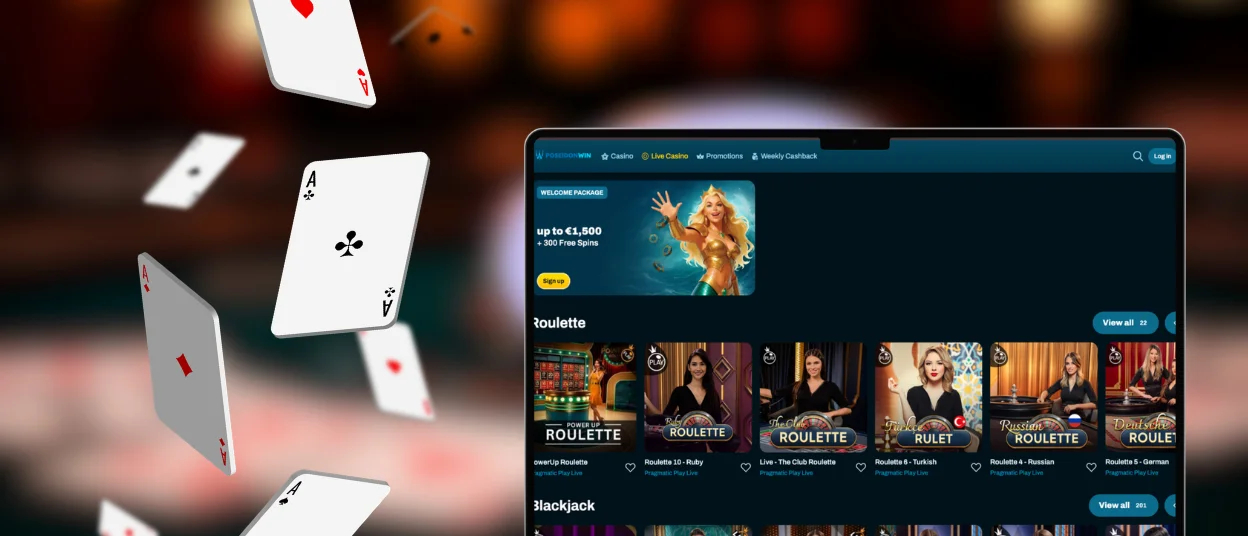
Desktop players can install the same software. On Windows, most browsers show an installation icon at the right end of the address bar while you browse the Poseidonwin Casino site; one click adds the app to your system. On macOS, open the website in Safari, go to “File”, and pick “Add to Dock”.
A desktop copy of the app is handy for long sessions. It opens in a separate window, keeps your favorite games one click away, and leaves the browser free for other tasks.
Which Devices Support the Poseidonwin App?
Most devices released within the last six or seven years run the Poseidonwin app comfortably. The PWA format keeps hardware requirements low, so even budget smartphones handle online slots and live dealer streams well.
| Operating System | Minimum Requirements | Recommended Browsers |
|---|---|---|
| Android | OS 8.0, 2 GB RAM | Chrome, Opera, Firefox |
| iOS | iOS 14.0, 2 GB RAM | Safari |
| Windows | Windows 10, 4 GB RAM | Chrome, Edge, Firefox |
| macOS | macOS 11, 4 GB RAM | Safari, Chrome |
App Security and Account Access
Security inside the app matches the standards of the Poseidonwin Casino platform. TLS 1.3 encryption protects every connection, and 2FA adds a code check at login. Your profile stays synchronized across devices, so limits, settings, and your verification process status follow you from desktop to mobile.
Multilingual support remains one tap away in the app. The live chat icon sits in the side menu, and the Support Team answers questions about installation, payments, or account access around the clock.
FAQ
Is there customer support in the Poseidonwin Casino app?
Support works in the app exactly as it does on the website. Open the side menu, tap the live chat icon, and describe your issue; an agent will pick up the conversation within minutes. Email remains available for longer requests with attachments.
Do I need an account to use the Poseidonwin app?
An account becomes necessary once you want to play for real money. The app itself installs freely, and demo versions of many games stay open to visitors. Registration takes about a minute and can be completed right inside the Poseidonwin Casino app.
Are all games available in the app?
Every title from the desktop catalog appears in the app as well. Providers build their games with HTML5, so slots, table games, and live dealer sessions run natively on mobile screens. Some titles even adapt their controls specifically for touch input.
How can I update the Poseidonwin Casino app?
Updates happen automatically each time you launch the app. The PWA format pulls the current version of the website on every start, so there is nothing to download manually and no risk of running outdated software.


